Custom LED template Tools
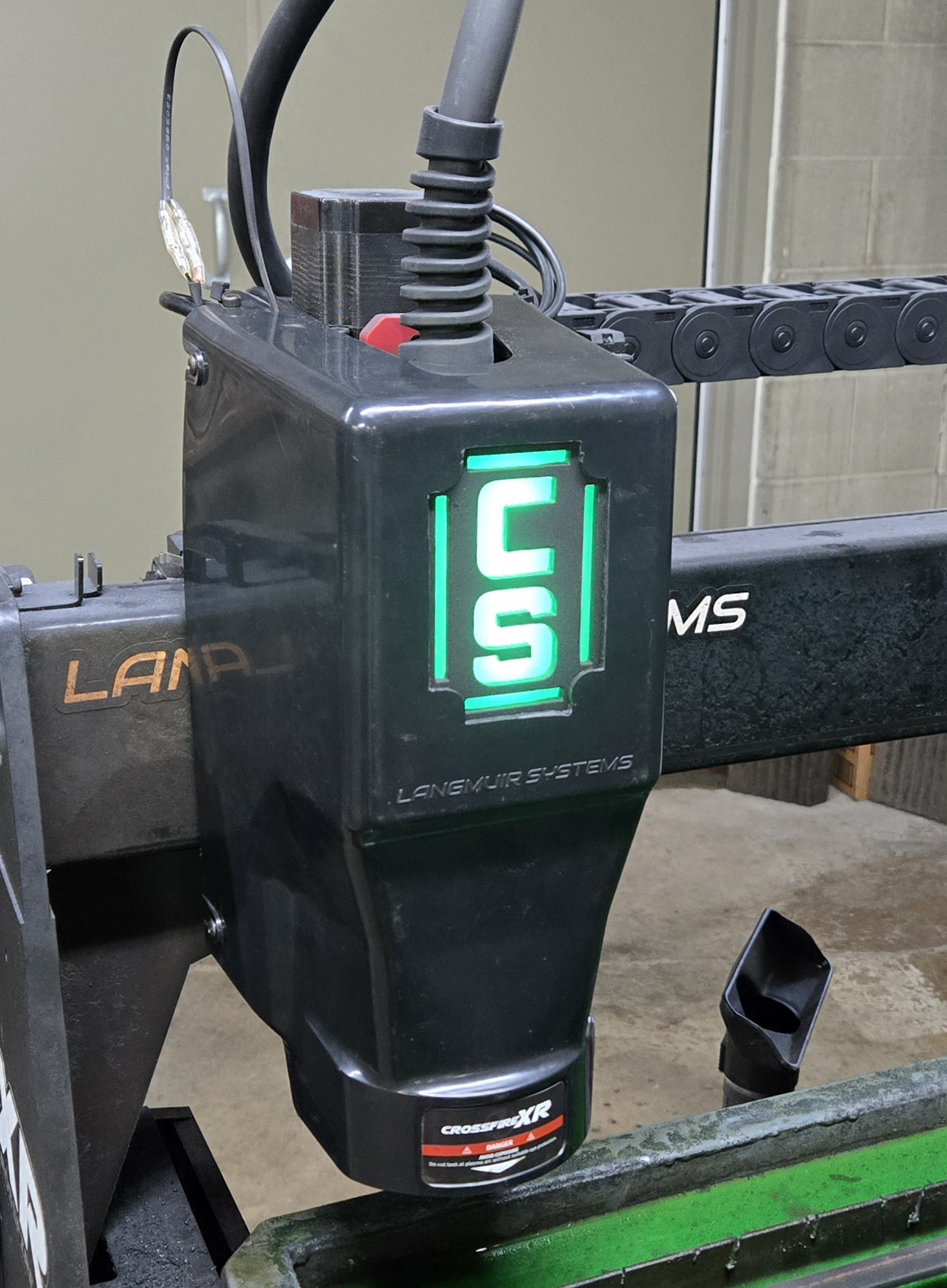

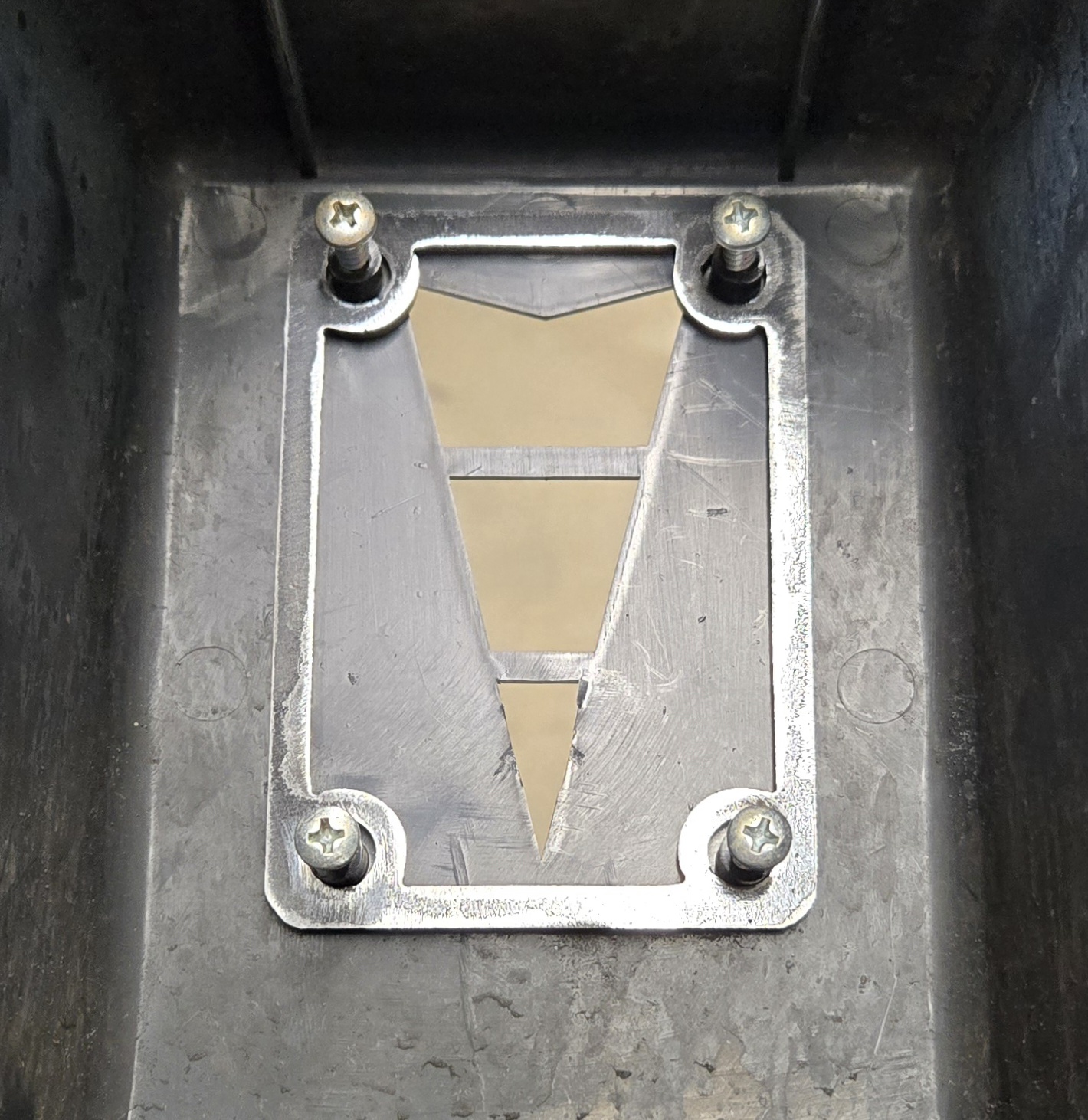
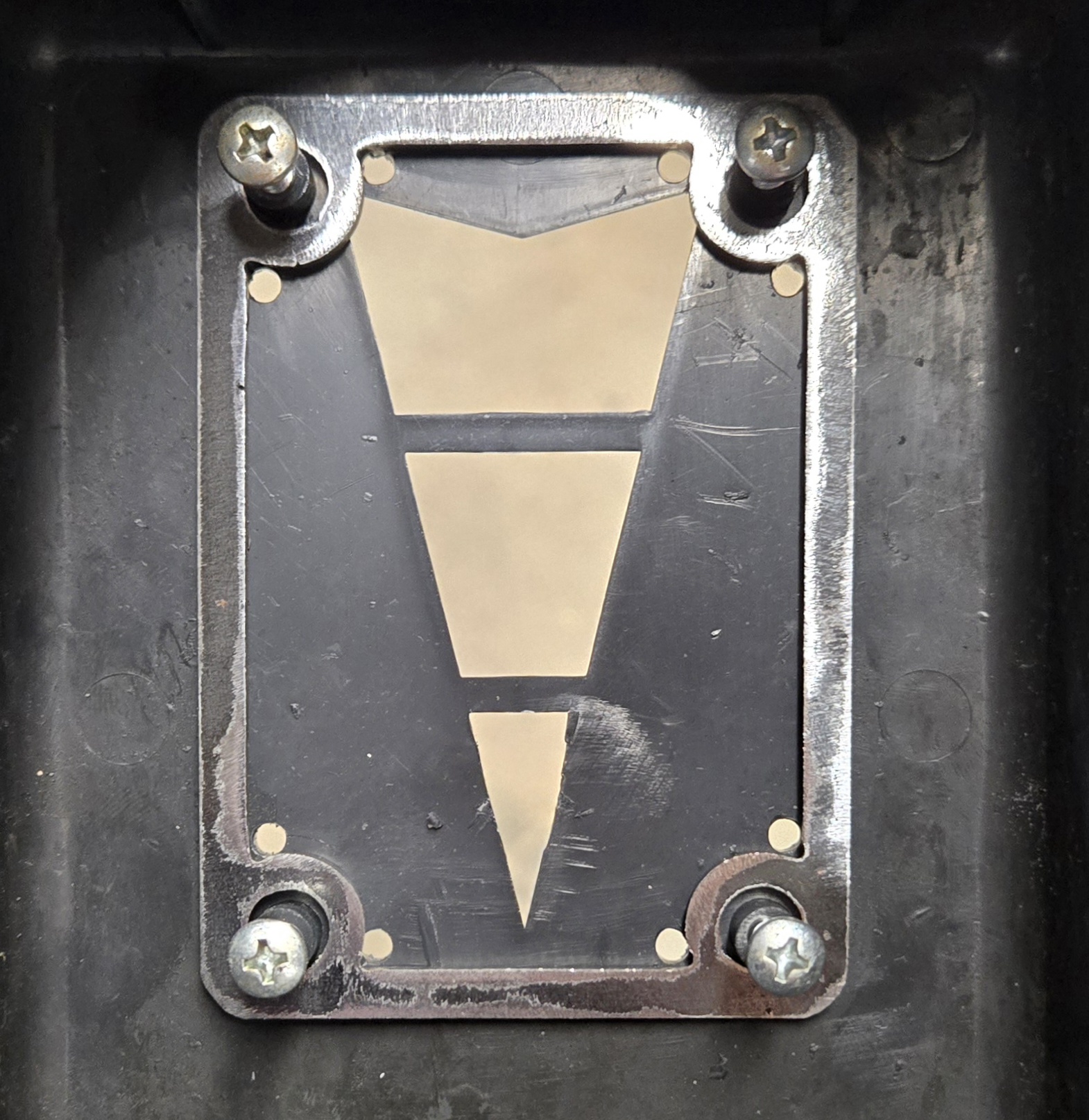
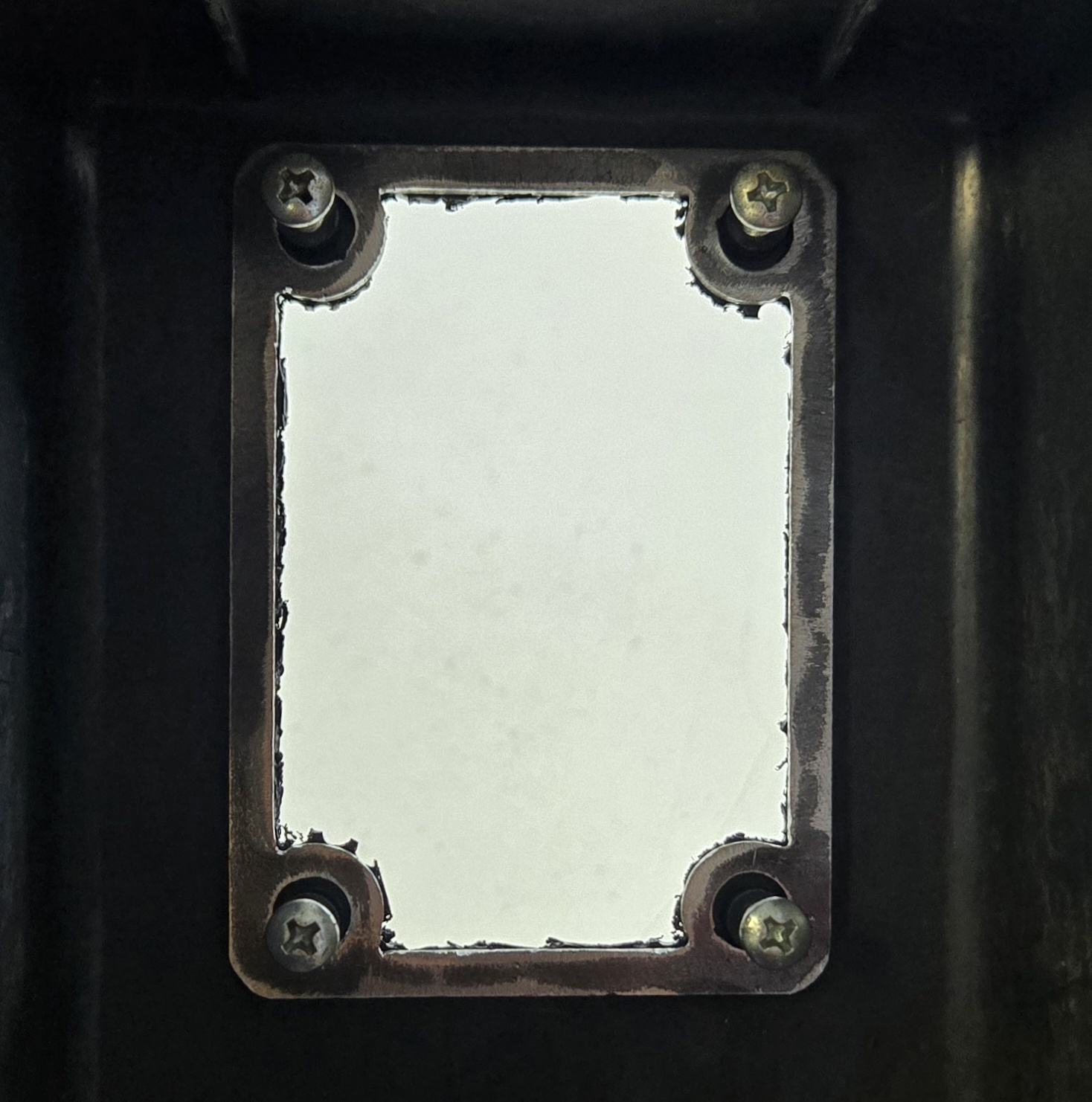
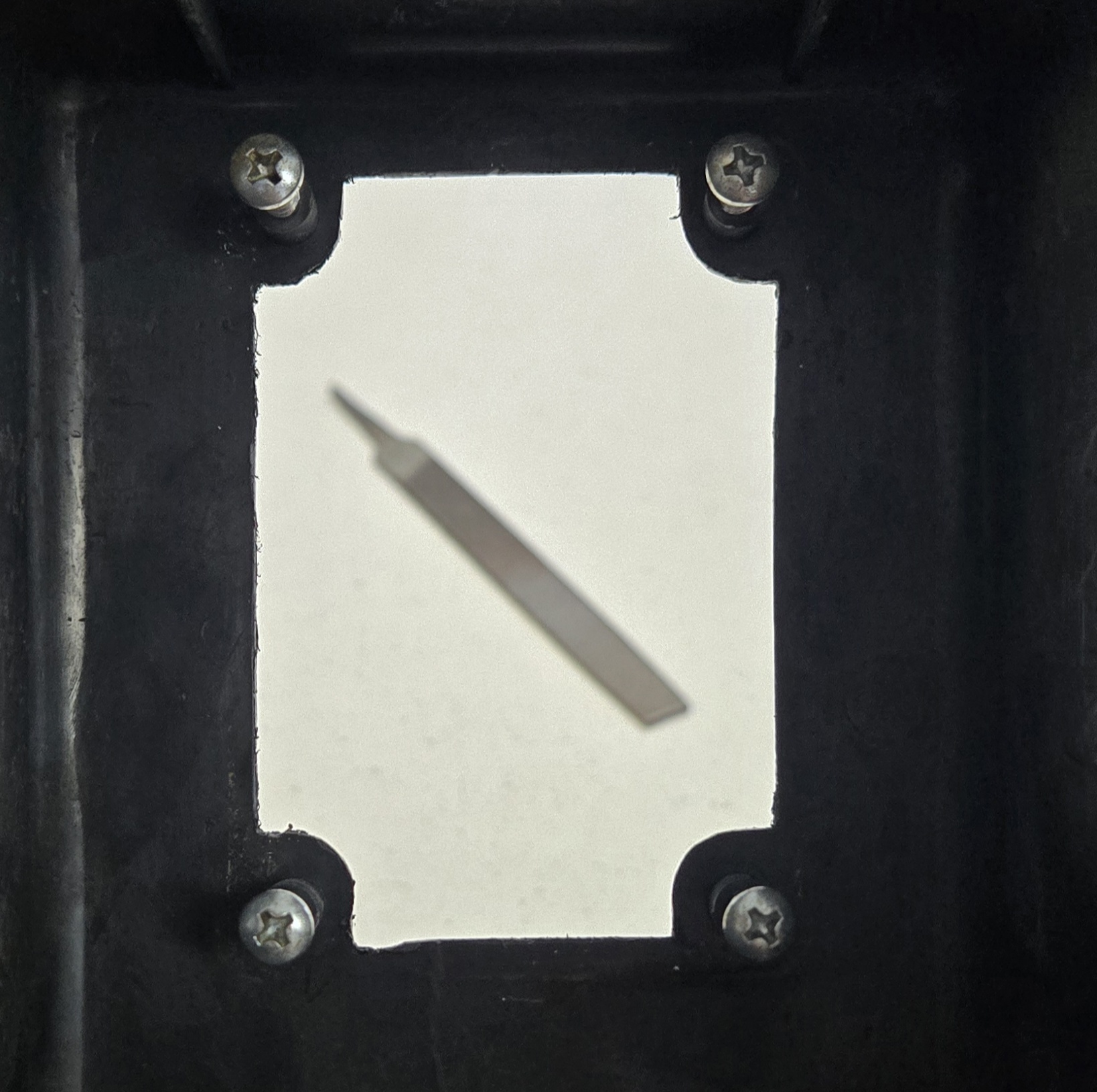
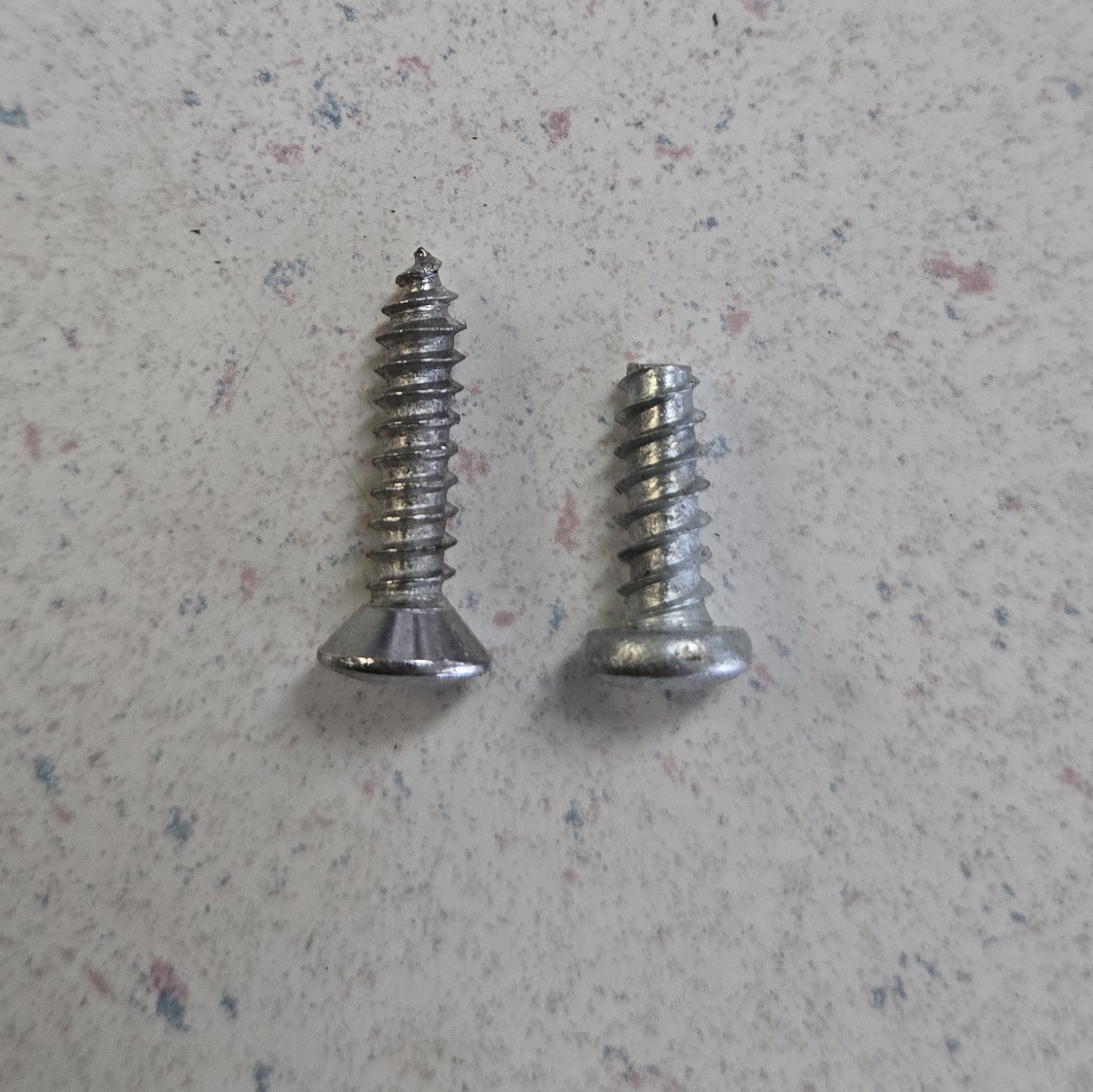
This kit has a cut plate and a design plate. You will have to add your design to the design plate before cutting. 1. using the cut plate secure it in place of the plastic torch housing. 2. drill corner holes 3. using an air saw, cut off wheel or dremel, follow the inside of the cut template. 4. remove the template and use a hand file to clean up the edges. (note - the original arrow is near max size and the corners will need to be filed by had as to be sure not to get into the screw hold down area. 5. depending on steel thickness used you may need slightly longer screws to put back together. 6. (optional) if you drill out the holes through the face you can bolt the plate down from the outside allowing it to be raised rather than inset! Happy cutting / modding!

Creative Commons - Attribution
You may distribute, remix, tweak, and build upon this work, even commercially, as long as you credit Zeke Church for the original creation.
2 days ago
2
Basic
- 25621.jpg
- langmuir custom light blank.dxf
- 25615.jpg
- 25616.jpg
- 25617.jpg
- 25618.jpg
- 25619.jpg